

Mobile app development in Miskolc
We build iOS and Android apps from a single codebase, connected to your existing systems — from design and app store launch through to long-term maintenance, all from one partner.
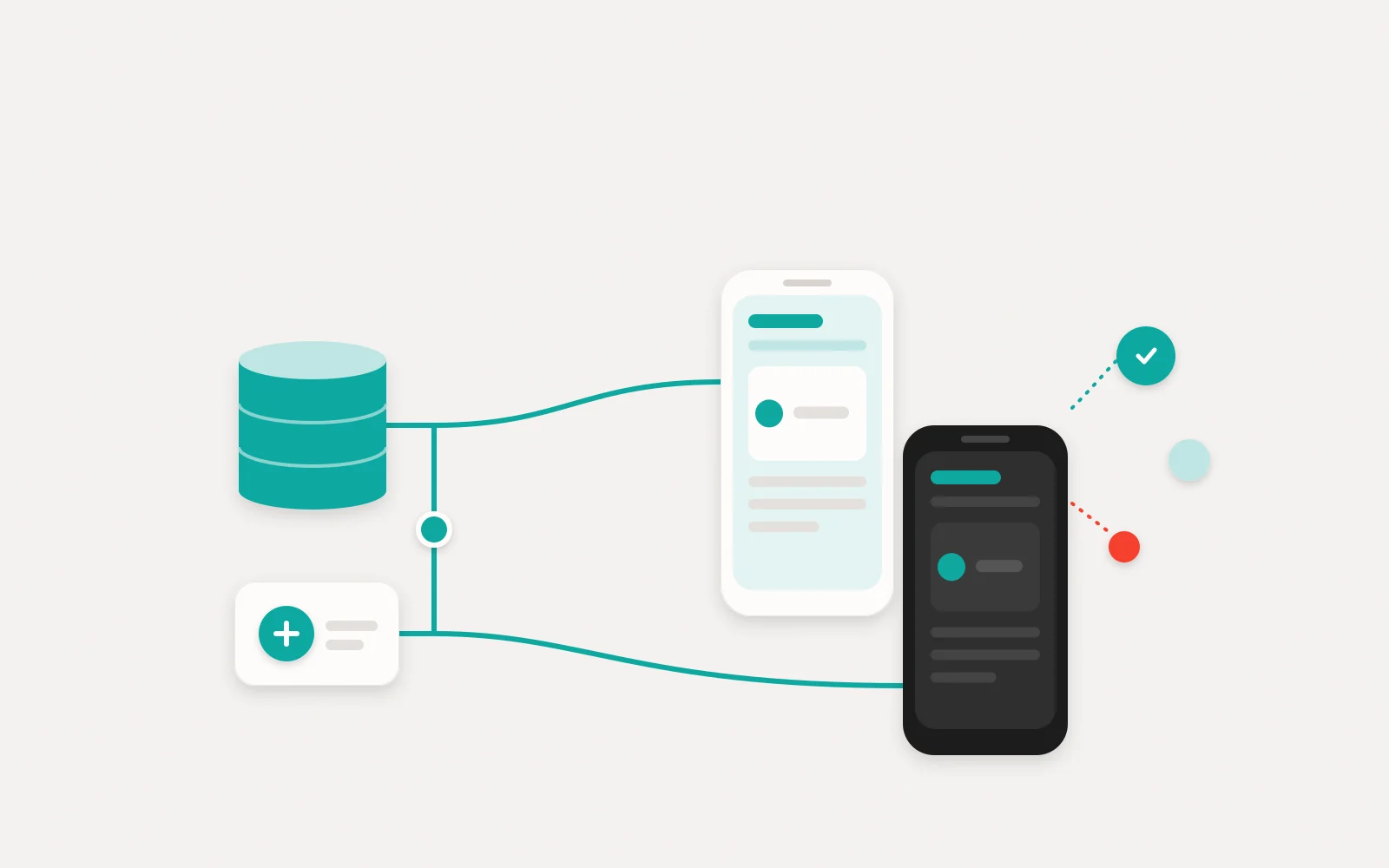
A mobile app is worth building when it solves a problem a website can't: your field staff can record data with no signal, customers come straight back from a single notification, and loyal customers carry their loyalty card in their pocket. That's why Lorz Kft. in Miskolc starts every app project with the same question: who is the app for, what do they need it for, and what can a phone do better? We typically build mobile apps with React Native, so the iOS and Android versions come from a single codebase. We connect the app to your existing software — CRM, business management system, webshop — handle the app store launch, and keep looking after it after handover.
The apps we build
- / 01
Customer-facing apps
Bookings, orders, a loyalty programme or a customer account on the phone: an app your customers come back to again and again, supported by targeted push notifications.
- / 02
Internal business apps
For colleagues working in the field: job sheets, checklists, photo documentation and signatures on site — with the data landing in your central system straight away.
- / 03
Cross-platform development (React Native)
The iOS and Android versions are built from a single codebase, which makes development and maintenance simpler and keeps both platforms updated in step.
- / 04
Backend and integrations
We also build the server side and API behind the app, and connect it to your existing systems: CRM, business management software, webshop or invoicing.
- / 05
Offline mode and push notifications
The app works without a signal, and recorded data syncs as soon as the connection returns. Notifications are only sent with the user's consent.
- / 06
App store launch and maintenance
We handle the App Store and Google Play submissions, and after launch we keep up with iOS and Android updates so your app still runs flawlessly years from now.
Mobile apps: what to know before you start
01Do you really need an app, or is a good web interface enough?
The first question isn't iOS or Android — it's whether you need an installable app at all. A mobile-optimised website or web-based customer portal is available without a download, and is typically quicker and less costly to build. A middle ground is the PWA (progressive web app): it can be added to the home screen, partly works offline and can receive notifications on iOS too — but it doesn't appear in the app stores, and its access to some device features is more limited.
An app adds real value where users come back regularly and where you need to build on what the phone can do. During discovery we weigh up all three routes and explain in writing which one we recommend — if the web route is the better choice, we'll recommend it, even if that means a smaller order. We also look at the habits of your intended users before deciding. If several of the following apply, an installable app is very likely worth it:
- users would use it regularly, several times a week;
- it has to work in the field, even with a weak signal;
- the work needs the camera, barcode or QR scanning, or location;
- push notifications are an important way to bring users back;
- an app store presence also strengthens the credibility of your brand.
02Native or cross-platform: why React Native?
With native development, the iOS and Android versions are built from two separate codebases, which means two parallel streams of development and maintenance. With a cross-platform approach, a single shared codebase runs on both systems. We typically work with React Native: the user interface is built from each platform's own components, so the app feels native, while development and maintenance are concentrated in one codebase. For business and customer apps, this approach has generally proved itself well.
In practice this brings three advantages: both platforms get new features at the same time, bugs are fixed once, and we can build on shared know-how — and even shared code — with our web interfaces (React, TypeScript). If a feature needs special hardware access or a platform-specific solution, we flag it separately in the discovery findings and justify the technology choice in writing so it remains traceable later. That way, your app doesn't depend on the knowledge of a single developer.
03Backend, integrations and offline mode
An app rarely stands on its own: the server side behind it stores the data, manages users and sends the notifications. We build this part too — typically on Node.js or .NET, with a PostgreSQL database, in the Microsoft Azure cloud — and connect it via a REST API to your existing systems, whether that's a custom CRM, business software or a webshop. If needed, the app can also connect to machines or building automation — again, all handled under one roof.
For users in the field, offline mode is a key issue: the app stores recorded data on the phone, syncs it when the connection returns, and resolves conflicts according to rules defined in advance. Push notifications are delivered through Apple's and Google's notification services; who receives which message and when is designed in line with each user's settings and consent. We can also make the content and scheduling of notifications manageable from an admin interface.
04App Store and Google Play: the rules of publishing
Both app stores review submitted apps and can reject those that don't meet their guidelines. Common reasons for rejection include an incomplete privacy policy, a login that doesn't work for the reviewer, or an app that offers little more than a website. We take these guidelines into account from the design stage and build time for review into the schedule, so your launch doesn't slip. A rejection isn't the end of the road: we fix the point raised and resubmit the app.
An important principle is that the developer accounts (Apple Developer Program, Google Play Console) are registered in your company's name — for an organisation account, both stores require a D-U-N-S number, and we help you obtain one. The stores also require data handling information, and if users can create an account in the app, they must also be able to delete it from within the app. That's why we set out the GDPR requirements — privacy notice, consents, where the data is stored — at the design stage.
05What happens after launch?
A mobile app is never finished once and for all. Apple and Google release a new OS version every year, and Google Play regularly raises the Android API level that apps must target — if you don't keep up, after a while you can no longer upload updates to your app. The libraries used, security fixes and changes to app store guidelines also need constant attention. Maintenance is therefore not an optional extra but a condition of keeping the app alive.
Handover comes with documentation and training, and after that we can take care of maintenance as needed: updates, error monitoring, app store submissions and further development based on user feedback. We can also cover the server-side hosting environment and your company's IT background through our managed IT service, under the same contract — so one partner is responsible for the app and the system behind it working together. The scope of maintenance — what, how often and with what response time — is agreed in writing in advance.
How we work
- 1
Free consultation and discovery
We talk through who the app is for, what it needs to do and which systems it has to connect to. If a web-based solution would serve the goal better, we'll tell you.
- 2
An itemised, fixed-price quote
Based on discovery, you receive in writing a prioritised feature list, a timeline and an itemised, fixed-price quote — with no surprises.
- 3
User journey and prototype
Before development starts, we show you the screens and the user journey in a clickable prototype, so you see early on what you're going to get.
- 4
Iterative development and testing
We deliver working versions in short cycles, which you can try out on your own phone as a tester (TestFlight, Google Play internal testing).
- 5
Launch, handover and maintenance
We handle the app store submission, hand over the app with documentation and training, then update and develop it further for the long term. One partner, one contract, one invoice.
What determines the cost of a mobile app?
The cost of an app isn't decided by the number of screens, but by how much business logic, data and external connections work behind the interface. These are the factors that move the effort the most:
- 01
Platforms and devices
iOS only, Android only or both; tablets as well as phones; and how old the devices and OS versions are that still need to be supported.
- 02
Features and permissions
Login, user roles, maps, camera or QR code scanning — every feature needs its own design and testing. If you sell digital content within the app, the stores' own payment systems and commission also come into play.
- 03
Backend and integrations
Whether a new server side and admin interface are needed, and how many existing systems the app has to connect to: CRM, business management software, webshop, invoicing.
- 04
Offline mode and syncing
Working without a signal, storing data locally on the device and resolving conflicts all require significant extra logic.
- 05
Design and user experience
A bespoke, on-brand interface with animations, or a clean solution built on the platform's familiar components.
- 06
App store launch and maintenance
Submission, keeping up with store guidelines, the yearly OS updates and error monitoring all shape the cost across the app's entire life cycle.
We give a fixed price after the discovery phase, in writing and itemised — we walk through the factors above together in the first, free consultation.
Why LORZ
- 15+ years of engineering and software development experience
- iOS and Android from a single codebase, built with React Native
- App, backend and integration in one pair of hands — no finger-pointing between suppliers
- Our own developers: direct contact with the people working on your app
- App store submission, OS updates and maintenance after launch too
- A Miskolc-based team you can meet in person — working nationwide
An app development team in Miskolc
As a local development team, we run discovery, prototype testing and training in person: at your premises in Miskolc and the surrounding Borsod-Abaúj-Zemplén county, and online with clients further afield. During development you deal directly with the developers working on your app — no middlemen, so your questions are answered by the people who write the code.
- Lorz Kft. · 3525 Miskolc, Bodótetői út 1. 3. em. 9.
- +36 70 942 9950·info@lorz.hu
- Monday–Friday, 8:00–17:00
Where we regularly work
- Miskolc
- Felsőzsolca
- Sajószentpéter
- Kazincbarcika
- Tiszaújváros
- Mezőkövesd
- Szerencs
- Ózd
- Edelény
- Encs
- Sátoraljaújhely
- Eger
- Nyíregyháza
- Debrecen
Remotely anywhere in Hungary and the EU — with online meetings and remote support.
Frequently asked questions
How much does mobile app development cost?
How long does it take to build an app?
Should we build for iOS or Android?
Can you connect the app to our existing systems?
Do you publish the app to the App Store and Google Play?
Who owns the source code?
What happens after the app is handed over?
Can you take over development of an existing app?
Do you only build apps for companies in Miskolc?
Interested in this service?
Request a tailored quote — we reply within one business day.