Managed IT and IT support in Miskolc
For a predictable monthly fee, we look after your company's IT: computers, servers, network, cloud and day-to-day support for your staff — quickly by remote access, and in person in and around Miskolc.
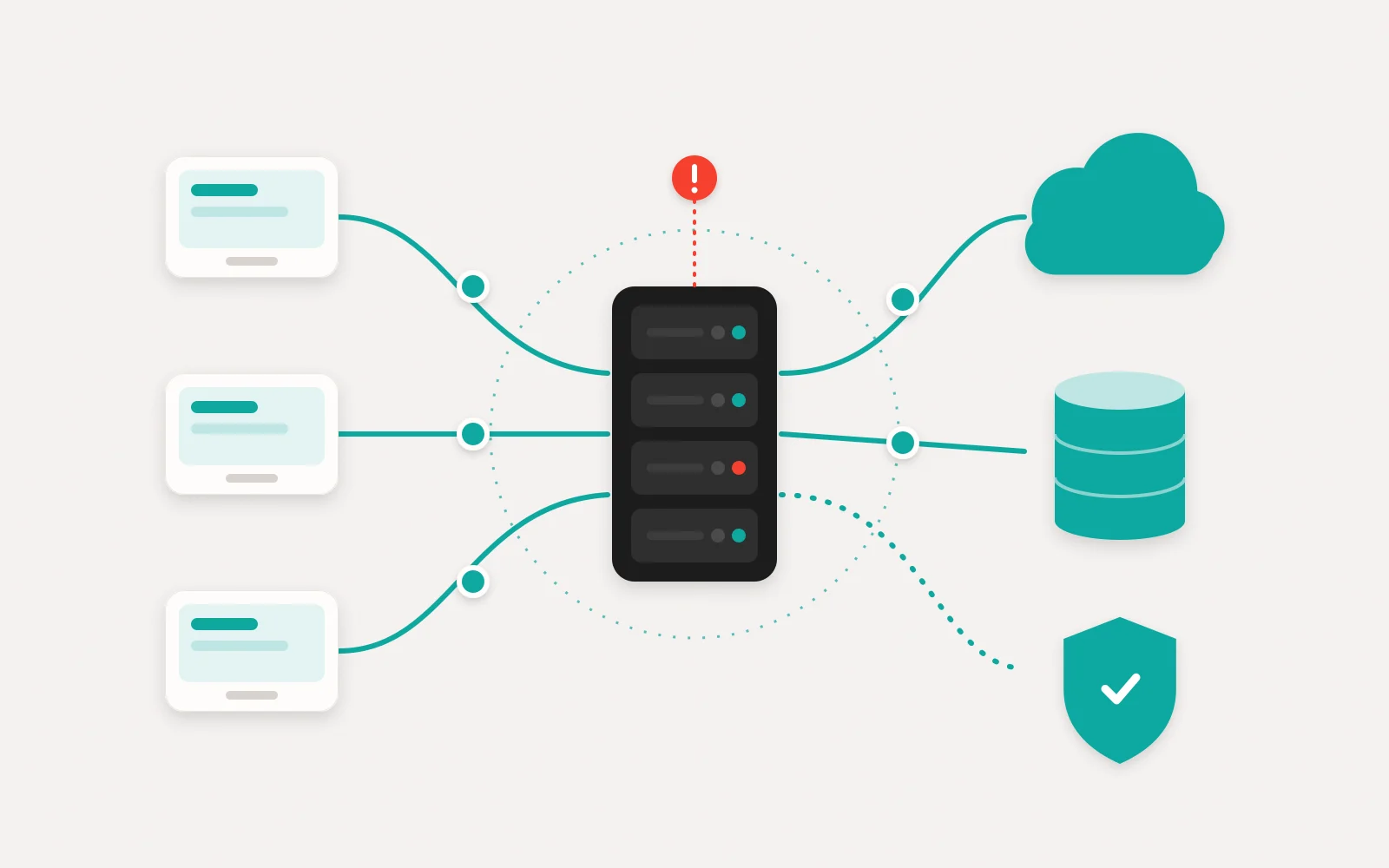
At most companies IT is invisible as long as everything works — and it turns into the most expensive problem of all on the morning the server won't start, email stops arriving or ransomware spreads across your machines. The managed IT service of Lorz Kft. in Miskolc turns this around: we assess your IT environment, put it in order and document it, then monitor and support it on an ongoing basis. Computers and users, servers and network, Microsoft 365 and cloud, backup and security — from one accountable partner, under one contract. And because software development, network cabling and electrical installation are all in-house, a fault never gets bounced back and forth between several suppliers.
What we manage
- / 01
Managed IT for a monthly fee
Workstations, user accounts, permissions, updates and licences managed for a predictable monthly fee — with a single point of contact who knows your environment.
- / 02
Helpdesk and user support
We resolve your staff's IT issues via remote access, and when someone needs to be on site, we come in person in and around Miskolc.
- / 03
Servers and networking
Design, installation and monitoring of office networks, Wi-Fi, firewalls, VPNs and servers — from structured cabling to secure access for remote working.
- / 04
Microsoft 365 and cloud
Setting up and running business email, Teams, SharePoint and OneDrive, migrating from legacy email systems, and cloud services on Microsoft Azure.
- / 05
Backup and recovery
A multi-layered backup system built on the 3-2-1 principle, with regular restore tests — so your backup actually works when an emergency strikes.
- / 06
IT security
Multi-factor authentication, endpoint protection, patch management, a clear permissions model and staff awareness — the points where most attacks succeed or fail.
Managed IT: what every business owner should know
01In-house sysadmin, external partner — or both?
An in-house system administrator is always on hand and knows the business, but is still just one person: a holiday, an illness or a resignation takes the know-how with them. And one person can rarely be a network, server, cloud and security expert all at once. An external IT provider covers several specialist areas as a team and, thanks to proper documentation, doesn't depend on any single individual.
For many companies a hybrid model works best: an internal staff member handles the small day-to-day issues, while the external partner looks after infrastructure, backup, security and larger changes. Not sure which model suits your business? Get in touch and we'll talk it through.
02What should a good managed IT contract include?
The value of a managed IT contract lies not in the monthly fee but in its precision. If it isn't written down what's included, both sides will assume something different the moment a dispute arises. Whoever you sign with, always ask about these points:
- the scope: which devices, users and services are covered;
- response time and resolution time — set separately, by severity;
- the terms for on-site visits and out-of-hours availability;
- who is responsible for backups, and how often restores are tested;
- handover of documentation and passwords when the contract ends;
- how often your management receives reports.
03Backup is not the same as recovery
Many companies only discover that their backup is unusable when they actually need it: the backup job has been failing for months, it sits on the same server the ransomware has just encrypted, or nobody knows how to restore it. A synced cloud folder isn't a backup either: deletions and encryption sync too.
The proven principle is the 3-2-1 rule: three copies, on two different types of media, one of them off-site. What matters even more is regular, documented restore testing.
04Cybersecurity for small businesses: the most effective steps
Most attacks on small and medium-sized businesses aren't sophisticated: a stolen password, a missed update or a convincing phishing email is all it takes. That's why a handful of basic measures address most of the risk: multi-factor authentication on every account, automatic updates, restricted admin rights, endpoint protection and staff awareness.
In some sectors, Hungary's cybersecurity legislation implementing the EU NIS2 Directive already makes certain measures mandatory. Whether your company is affected is worth clarifying with a specialist; we help you implement the technical side.
05When software and infrastructure are in one pair of hands
A company's IT no longer stops at its computers: there's the webshop, the business management system, the invoicing software and the data connections between them. If one supplier builds these and another runs them, a fault can easily fall into the grey zone between the two.
At LORZ, software development, system integration and IT operations sit within the same team, and we also handle network cabling and electrical installation ourselves. When you move offices or expand a site, that means a single partner to coordinate with — from the power socket to the server.
How we take over your IT
- 1
IT assessment
We go through your entire IT environment: devices, network, servers, cloud accounts, backups, permissions and licences. You receive a clear, prioritised summary of the findings.
- 2
A fixed monthly quote
Based on the assessment, we give you a written, itemised quote: what we manage, with what response times, when we come on site and what the monthly fee is. Any one-off clean-up work appears as a separate line item.
- 3
Handover and clean-up
We take over access, set up monitoring and backup, eliminate critical risks and document everything — so your systems don't live in a single person's head.
- 4
Ongoing management
Monitoring, updates, backup checks and helpdesk within the agreed scope. Your staff report issues through a single point of contact, and every request is tracked.
- 5
Regular reviews
We review your environment periodically and flag what is ageing, what is risky and what is worth improving — so your IT costs are planned rather than a surprise.
What determines the cost of managed IT?
The monthly fee for managed IT can't be quoted sight unseen, because two companies of the same size on paper can have very different IT. These are the factors that matter most:
- 01
Number of users and devices
How many staff, workstations, laptops, mobile phones and printers are in scope, and how standardised they are.
- 02
Servers and cloud services
On-premises servers, virtualisation, Microsoft 365, Azure or other cloud systems — each needs its own monitoring.
- 03
Required response time
How quickly a critical fault has to be dealt with, and whether you need out-of-hours availability.
- 04
On-site presence
How often someone needs to be physically on site, and how many sites have to be covered.
- 05
Starting point
Bringing an undocumented, outdated environment into shape takes one-off work, which we show as a separate line item in the quote.
- 06
Security and compliance requirements
GDPR, industry regulations or cybersecurity obligations mean more documentation, logging and auditing.
We give a fixed price after the discovery phase, in writing and itemised — we walk through the factors above together in the first, free consultation.
Why LORZ
- One accountable contact for all of your IT
- A Miskolc-based team — on site in person when needed
- A documented environment: the know-how doesn't sit in one person's head
- A predictable monthly fee, with an itemised quote after the assessment
- Software development and IT operations in one place — integrations included
- Network cabling and electrical installation in-house
IT support in Miskolc — on site when needed
We resolve most issues by remote access, but replacing a network device, setting up a new workstation or fixing a server fault means being on site. That's why we're there in person in and around Miskolc, and visit sites further afield on a pre-agreed schedule.
- Lorz Kft. · 3525 Miskolc, Bodótetői út 1. 3. em. 9.
- +36 70 942 9950·info@lorz.hu
- Monday–Friday, 8:00–17:00
Where we regularly work
- Miskolc
- Felsőzsolca
- Sajószentpéter
- Kazincbarcika
- Tiszaújváros
- Mezőkövesd
- Szerencs
- Ózd
- Edelény
- Encs
- Sátoraljaújhely
- Eger
- Nyíregyháza
- Debrecen
Remotely anywhere in Hungary and the EU — with online meetings and remote support.
Frequently asked questions
How much does managed IT support cost?
What's the difference between an in-house sysadmin and outsourced IT?
How quickly do you respond to an issue?
Do you come on site?
Can you take over IT from our previous sysadmin?
Can you migrate us to Microsoft 365?
What size of company is outsourced IT right for?
Do you take on one-off IT projects?

Interested in this service?
Request a tailored quote — we reply within one business day.