

Microsoft 365 setup and support in Miskolc
Migration from old mail or Google Workspace, secure settings, shared files and Teams. We plan it, move you across, train your team and look after it afterwards.
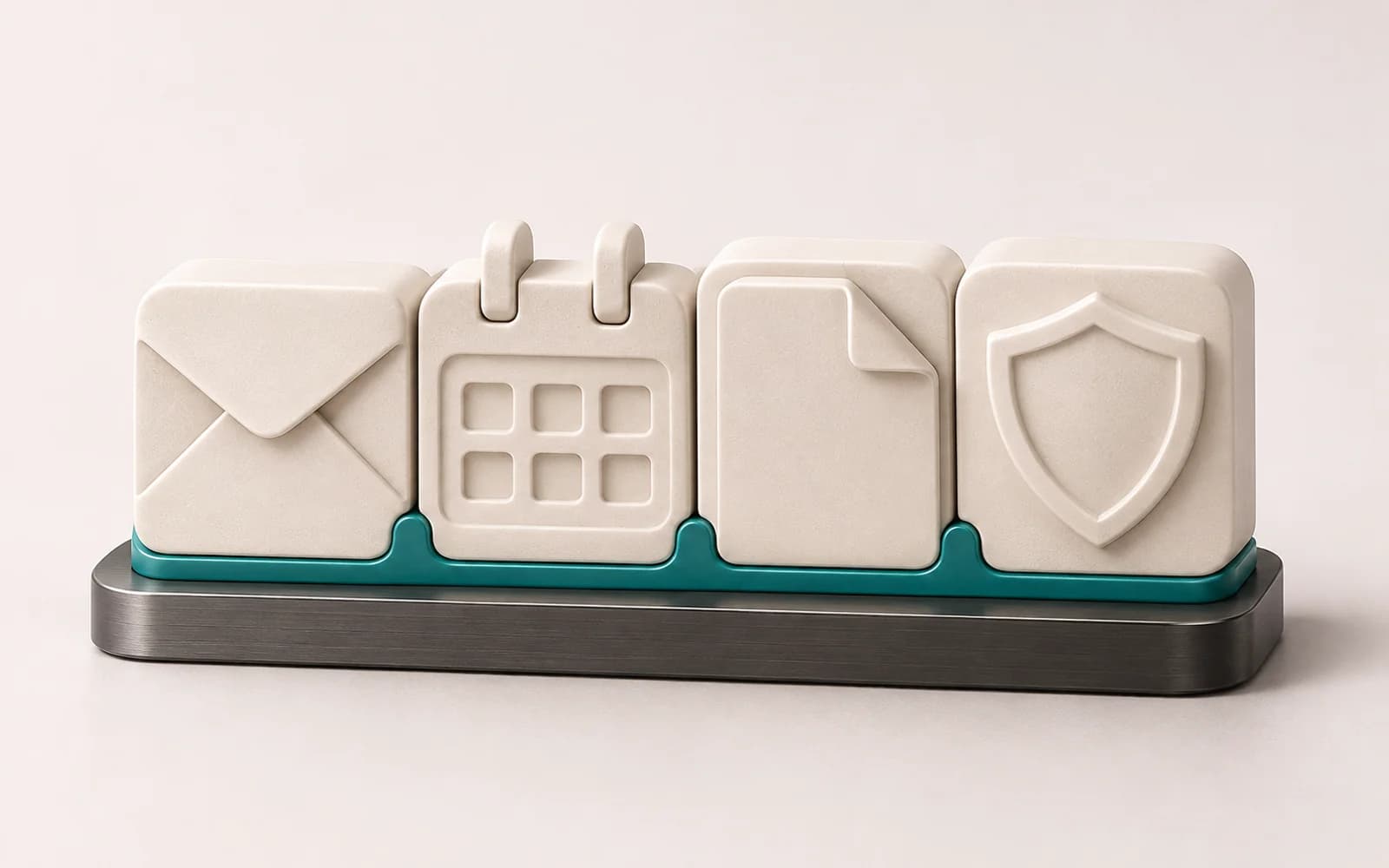
Microsoft 365 is more than email: Teams, OneDrive, SharePoint and the Office apps form one system, and the settings decide how much a company gets out of it and how secure it is. A rushed move can lose mail, interrupt email or leave old sign-in methods open. Lorz Kft. in Miskolc reviews your current setup, selects the right plan, migrates your data, configures security, trains your team and can run the system afterwards.
What we do
- / 01
Assessment and plan choice
We work out which licence each user actually needs, so you do not overpay.
- / 02
Mail migration
Moving from IMAP mail, Google Workspace or Exchange, timed around your work.
- / 03
Domain and DNS
MX, SPF, DKIM and DMARC, so mail arrives and others cannot send in your name.
- / 04
Security
Multi-factor sign-in, blocking legacy sign-in, permissions, and device management on Premium plans.
- / 05
Teams, SharePoint, OneDrive
Shared folders and teams, plus an orderly move from an old file server.
- / 06
Operations and support
Joiners and leavers, licences, backup and user questions under managed IT.
How the move works
- 1
Assessment
We review mailboxes, domains, shares, devices and your current provider.
- 2
Plan
Licences, migration method, timing and a fallback, in writing.
- 3
Preparation
Tenant, domain and users, security settings and a test migration.
- 4
Cut-over
Mail and files are moved, and MX records switched at the agreed time.
- 5
Training
Short, practical help with mail, Teams, shared files and multi-factor sign-in.
- 6
Ongoing care
If you wish, we handle new users, updates, backup and troubleshooting.
Why LORZ
- Licences matched to real needs
- A planned move without disrupting daily work
- Baseline security from day one
- The tenant and admin access stay with your company
- Network, computers and Microsoft 365 from one partner
A Miskolc team you can meet in person
Lorz Kft. is based in Miskolc, Hungary: we attend discovery, planning workshops and handover in person, and during development you talk to the same people who build your system. We work on site across Borsod-Abaúj-Zemplén and the neighbouring counties, and remotely everywhere else.
- Lorz Kft. · 3525 Miskolc, Bodótetői út 1. 3. em. 9.
- +36 70 942 9950·info@lorz.hu
- Monday–Friday, 8:00–17:00
Where we regularly work
- Miskolc
- Felsőzsolca
- Sajószentpéter
- Kazincbarcika
- Tiszaújváros
- Mezőkövesd
- Szerencs
- Ózd
- Edelény
- Encs
- Sátoraljaújhely
- Eger
- Nyíregyháza
- Debrecen
Remotely anywhere in Hungary and the EU — with online meetings and remote support.
Frequently asked questions
Which Microsoft 365 plan does a small company need?
Will we lose old emails during migration?
Do we need separate backup for Microsoft 365?
Who keeps control if we change provider later?
Interested in this service?
Request a tailored quote — we reply within one business day.